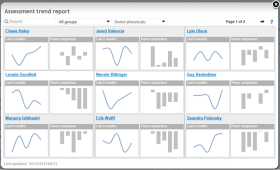
 The assessment trend report shows a teacher the average student assessment over time. The trend line can exceed the course from which the report is opened to include assessments from previous school years and/or other courses that teach the same subject. The report is available from Status and follow-up.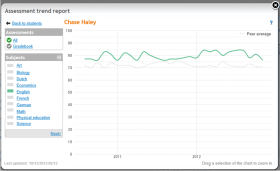
 Opening the assessment trend report